### [微信小程序使用radio显示单选项功能【附源码】](https://www.prosaas.cn/article/17449)
**Published:** 2018-06-22T09:17:56
**Author:** 5201314
**Excerpt:** 这篇文章主要介绍了微信小程序使用radio显示单选项功能,涉及针对radio组件事件响应相关操作技巧,并附带源…
这篇文章主要介绍了微信小程序使用radio显示单选项功能,涉及针对radio组件事件响应相关操作技巧,并附带源码供读者下载参考,需要的朋友可以参考下
本文实例讲述了微信小程序使用radio显示单选项功能。分享给大家供大家参考,具体如下:
**1、效果展示**
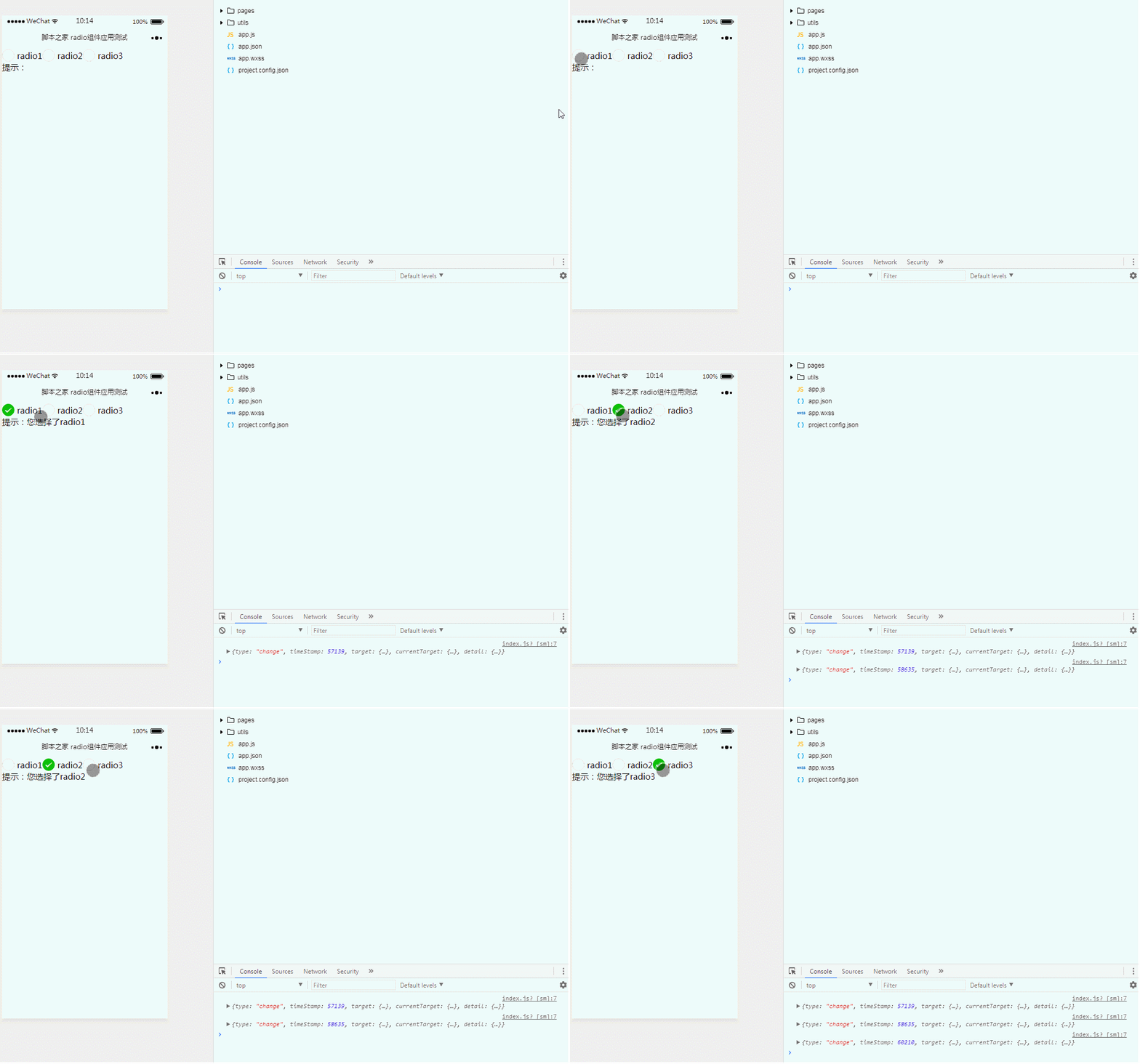
**2、关键代码**
① index.wxml
radio1
radio2
radio3
提示:{{text}}
② index.js
Page({
data:{
// text:"这是一个页面"
text:''
},
radiogroupBindchange:function(e){
console.log(e);
this.setData({
text:'您选择了'+e.detail.value
})
}
})
**3、源代码**
关于radio组件的更多详细说明还可参考官网:https://mp.weixin.qq.com/debug/wxadoc/dev/component/radio.html
以上就是本文的全部内容,希望对大家的学习有所帮助,更多相关内容请关注PHP中文网!
相关推荐:
微信小程序获取手机网络状态的方法【附源码】
微信小程序
自己制作小组件
以上就是微信小程序使用radio显示单选项功能【附源码】的详细内容,更多请关注知企PROSAAS其它相关文章!
**Tags:** html, https, php, 事件, 微信小程序
**Categories:** 后端开发
---